Three images. One product video.
AI Clothes Video
Use exactly three clothing images to create an 8-, 16-, or 24-second product video, constrained by the real front, back, and detail material you provide.
No back-view image means no back view. No detail image means no invented detail close-up.
01 / Source evidence
Front, back, and detail images each establish a real boundary.
Each image has a defined purpose. When material is missing, the workspace narrows available shots instead of inventing garment structure.
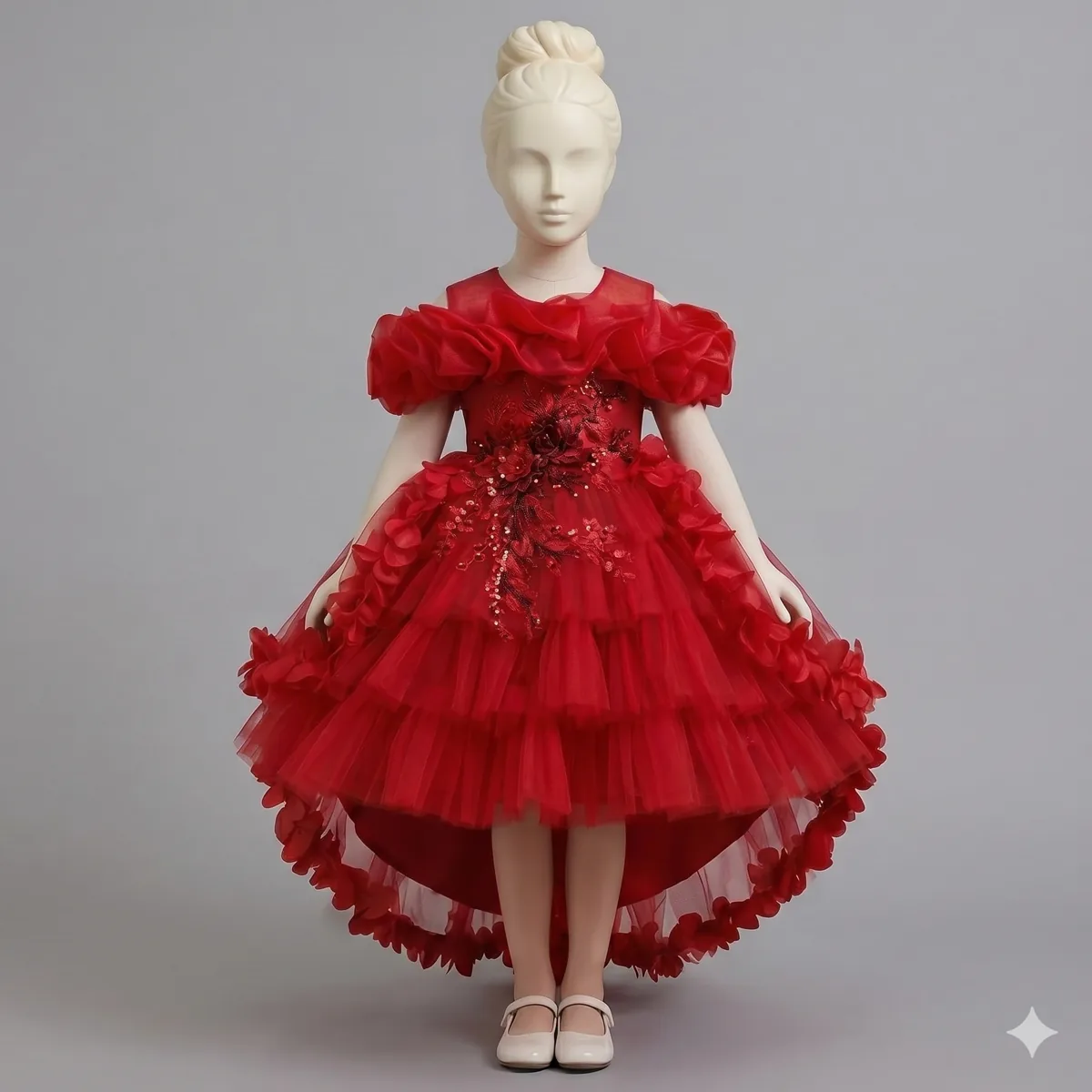
01
Front
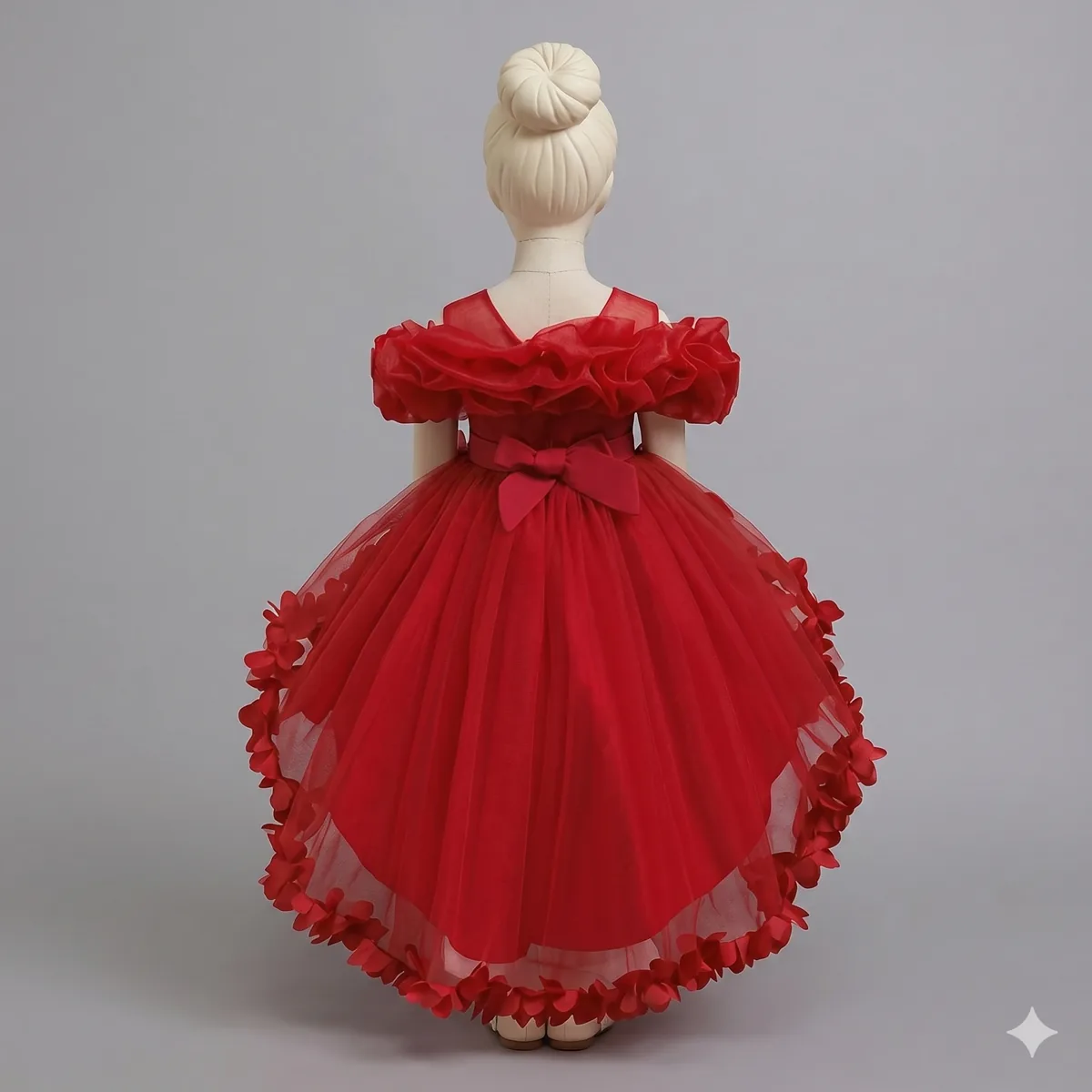
02
Back
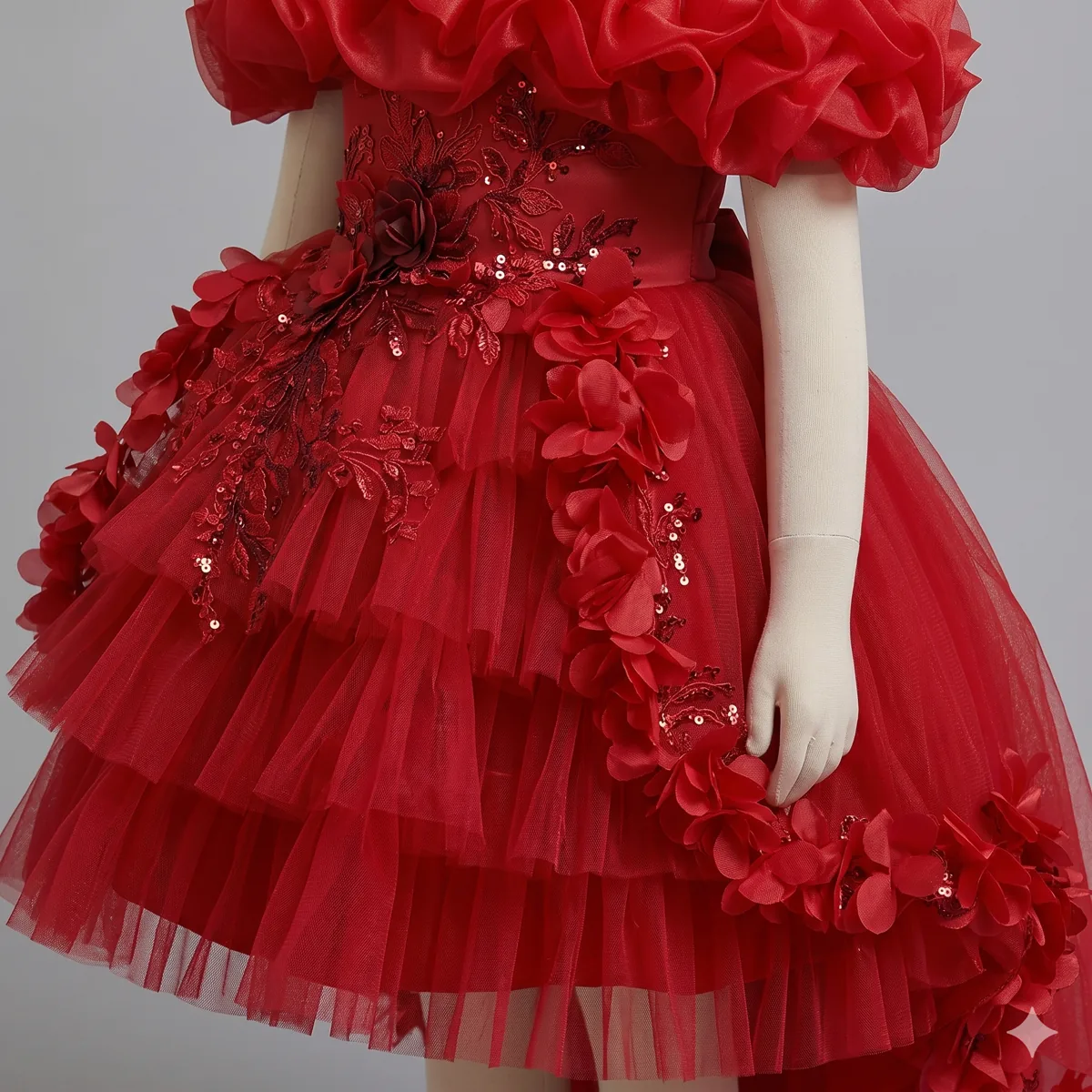
03
Detail
02 / Workflow
From source material to a product video in three decisions.
01
Select a source set
Choose how the uploaded images establish the product evidence.
02
Confirm safe shots
The system recommends available shots from material completeness and style preset rules.
03
Generate and download
Create a complete 8-, 16-, or 24-second video with trackable job and quality-check status.
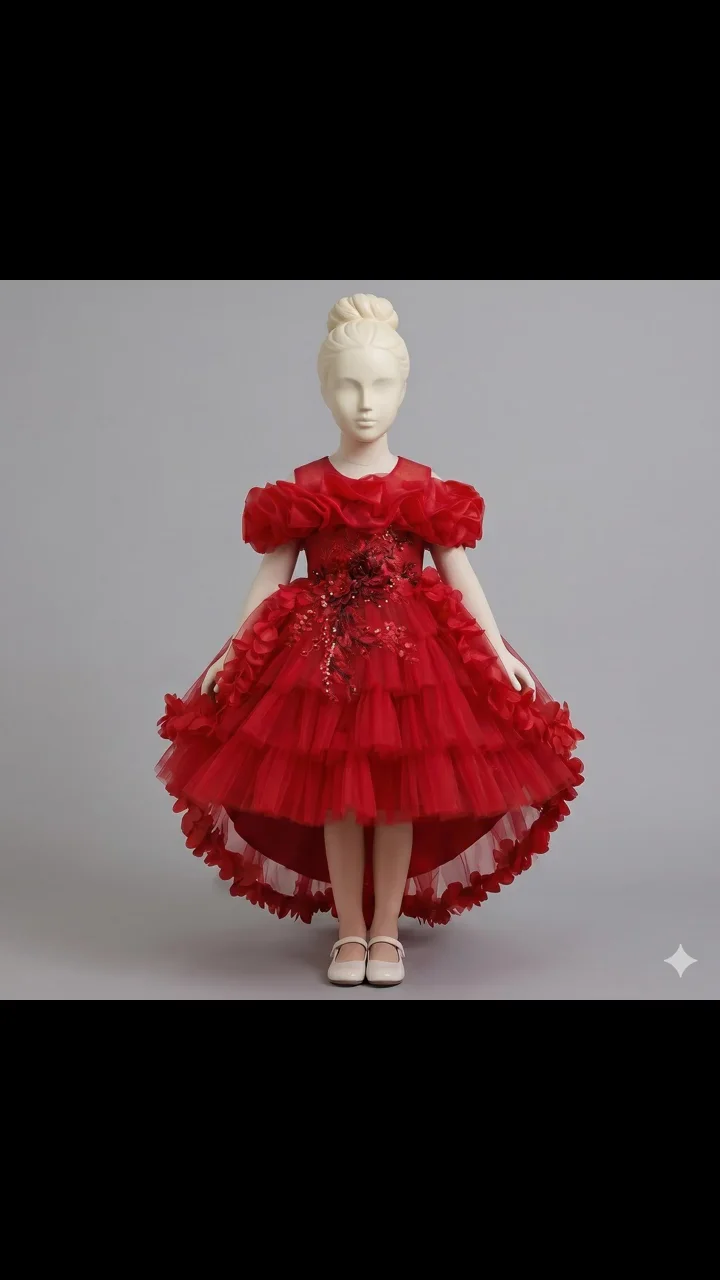
03 / Product video
A promotional product video for product pages and social tests.
The demo uses real end-to-end test assets from this product workflow. It shows the path from source images to a video, not a guarantee that every garment will receive identical motion or frames.
- Public lengths
- 8 / 16 / 24 seconds
- Content boundary
- Shots follow uploaded material
- Delivery status
- Previewable, downloadable, traceable
Start with one SKU